MultiSelect


Multiple choice from a checkbox list. It collects a list<string> of the
checked values, in display order.
$p->multiSelect('basket', 'Basket')
  ->options([
    'apple' => 'Apple',
    'carrot' => 'Carrot',
    'tomato' => 'Tomato',
  ])
  ->default(['apple']) // Values pre-checked when the field opens.
  ->pageSize(10);      // Options visible before the list pages around the cursor.
Options
| Name | Description | Required | Default |
|---|---|---|---|
options() | The choices, as a value => label map (or added one at a time with option()). | Yes | - |
default() | Values pre-checked when the field opens - ideal for opt-out lists. | No | [] (none) |
pageSize() | Options shown before the list pages around the cursor. | No | 10 |
Type to narrow the list by substring. For headings, separators and disabled options, see Option groups.
Keyboard
| Key | Action |
|---|---|
↑ / ↓ | Move the highlight |
Space | Toggle the highlighted option |
→ / ← | Select all / deselect all visible |
| printable keys | Filter the list by substring |
Backspace | Delete a filter character |
Enter | Accept the checked set |
Esc | Cancel |
Display modes
In all four display modes - Unicode or ASCII, colour on or off:
| ANSI | No ANSI | |
| Unicode | 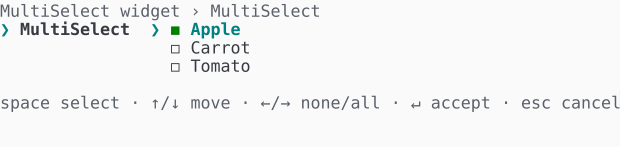 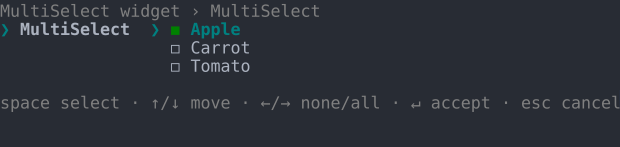 | 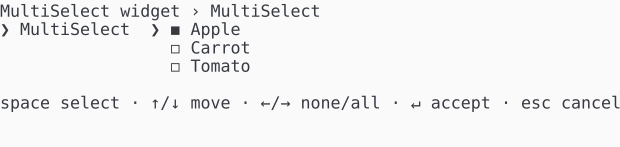 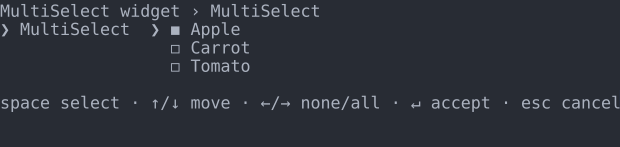 |
| ASCII | 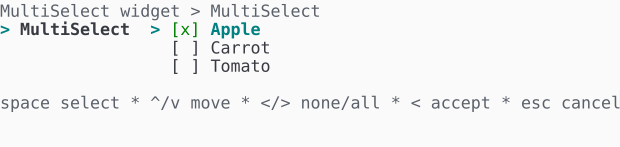 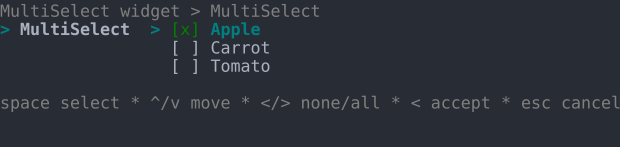 | 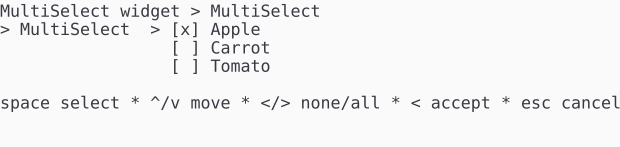 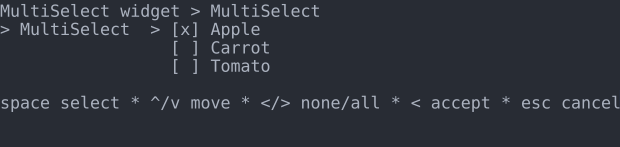 |